

Today’s customers expect fast, accurate, and personalized service every time they reach out. Yet many contact center teams are still working with two systems that operate in complete isolation: a CRM application on one side, and a live chat platform on the other.
The result? Agents constantly switch between tabs, copy-paste data manually, and waste valuable time just trying to pull up a customer’s previous conversation history. This kind of inefficiency does not just wear down the team. It directly impacts the quality of customer experience being delivered.
This article explores why integrating a CRM application with live chat is the key to running a more efficient modern contact center, and how this combination can fundamentally change the way your team operates day to day.
What Is a CRM Application?
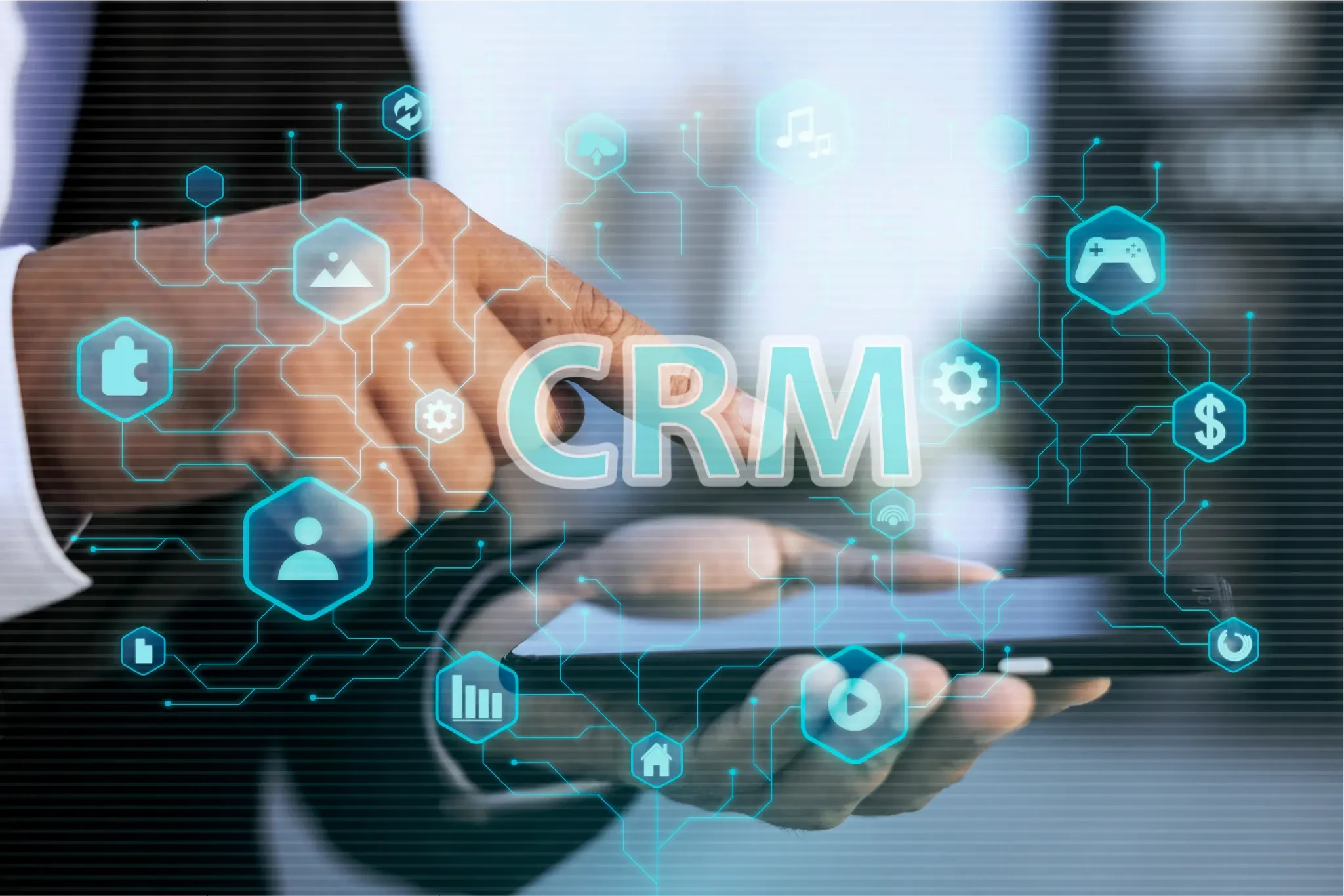
A CRM (Customer Relationship Management) application is software that businesses use to store, manage, and analyze customer data in one centralized place. Contact details, purchase history, interaction notes, complaint statuses, all of it lives in a single system that every team member can access.
For contact center teams, a CRM application is far more than a database. It is the foundation of every meaningful customer interaction. Without it, every conversation starts from scratch: no context, no history, and no personalization.
What Is Live Chat?
Live chat is a digital communication channel that allows customers to interact directly with customer service agents in real time, through a website, mobile app, or other digital platform. Unlike phone calls or email, live chat delivers instant responses, which has become the baseline expectation for customers today.
For contact center teams, live chat is the frontline of service: the first point of contact where customers bring their questions, concerns, and needs.
The Real Cost of Running CRM and Live Chat Separately
Before exploring the benefits of integration, it is worth understanding the practical challenges that contact center teams face when these two systems are disconnected.
- Agents Lose Conversation Context
When a customer starts a live chat session, the agent has no direct access to the interaction history stored in the CRM. The customer ends up repeating the same information over again, which is one of the most frustrating experiences in customer service and a significant driver of poor customer experience scores.
- Data Is Not Synced Automatically
Once a live chat session ends, agents must manually transfer conversation notes into the CRM. This process is time-consuming, prone to human error, and often skipped entirely when workloads are high. The result is incomplete customer records that make future interactions harder to personalize.
- Incomplete Reporting and Analytics
When data lives in two separate, unconnected systems, supervisors struggle to get a full picture of team performance and customer satisfaction. Reports become fragmented, and the insights they generate are limited.
- Longer Handling Times
Agents who must switch back and forth between a CRM application and a live chat platform take longer to resolve each interaction. Over time, this adds up to a measurable drag on overall team productivity.
Why Integration Is the Answer
When a CRM application and live chat are integrated into a single ecosystem, contact center agents gain immediate access to customer context right in the middle of an active conversation. There is no longer a need to switch systems because all the information an agent needs is already there, in one unified view.
This is not simply a technical upgrade. It is a fundamental shift in how customer service teams work and deliver value.
Key Benefits of Integrating CRM and Live Chat
- Faster Responses Backed by Full Context
When a customer opens a live chat session, the agent immediately sees their complete profile pulled from the CRM: name, purchase history, previously opened tickets, and communication preferences. With this context already available, agents can provide accurate, relevant answers without asking the customer to repeat themselves. - Automatic Data Recording
Every live chat conversation is automatically saved and synced to the CRM. There is no more manual data entry, no risk of missing notes, and no information lost during busy periods. Supervisors can monitor all interactions in real time from a single dashboard. - Personalized Service That Builds Customer Loyalty
With CRM data readily available during a live chat session, agents can respond in a way that feels genuinely personal. They can reference a customer’s most recent purchase, acknowledge a previous complaint, or offer a solution tailored to that customer’s specific history. These small gestures have an outsized impact on customer loyalty. - Measurable Gains in Team Productivity
Without the need to switch between systems, agents can handle more conversations in the same amount of time. Average Handling Time (AHT) decreases because agents work more efficiently when the information they need is already in front of them. - More Accurate Data for Better Decision-Making
Integration between a CRM application and live chat produces consistent, comprehensive data. Supervisors can identify performance trends, spot areas that need improvement, and make decisions grounded in evidence rather than guesswork.
How to Get Started: Integrating CRM and Live Chat in Your Contact Center
Connecting these two systems does not have to be complicated. Here is a practical framework to guide the process.
- Step 1: Assess Your Current Setup
Start by identifying the CRM application and live chat platform your team currently uses. Confirm that both support integration through an Open API.
- Step 2: Define What Data Needs to Be Synced
Not everything needs to be connected. Focus on the data that is most useful for agents during a live chat session: purchase history, active tickets, and previous interaction notes. - Step 3: Consider a Unified Platform
Rather than manually connecting two separate systems, evaluate platforms that already offer both CRM and live chat capabilities within a single ecosystem. This approach is significantly more efficient to implement and maintain. - Step 4: Train Your Team
Even the best technology will underperform without proper training. Make sure agents know how to use the CRM data available to them during live chat sessions, and understand how it changes the way they should approach each conversation. - Step 5: Monitor Performance and Adjust
Set clear KPIs from the start, such as AHT, CSAT, and First Contact Resolution (FCR). Review them regularly to ensure the integration is delivering the results you expected, and adjust your workflow where needed.
How arsi Helps Your Contact Center Work More Efficiently
arsi offers an Intelligent Messaging solution that integrates AI-powered live chat with your broader business ecosystem, including your CRM application, through a flexible Open API architecture. With arsi‘s unified platform, contact center agents can manage conversations across all channels from a single dashboard, with full customer context from the CRM available the moment a chat begins.
The outcome is a team that works more efficiently, customers who receive more personalized service, and a business that is better positioned to grow.
Conclusion
Integrating a CRM application with live chat is no longer optional for contact centers that want to stay competitive in an era where customer experience expectations continue to rise. When these two systems work together seamlessly, customer service teams can respond faster, more accurately, and more personally without sacrificing productivity.
If your contact center is still running CRM and live chat as separate tools, now is the time to take the next step. Explore how an integrated platform like arsi can help your team work smarter and deliver better outcomes for your customers.
Ready to see how arsi can bring your live chat and CRM together? Get a free demo today.
Read More:
- How Live Chat Works and Its Impact on Service Efficiency
- Leveraging AI-Powered Live Chat: How arsi’s Intelligent Messaging Transforms Customer Conversations
- Integrating arsi with Your CRM Application: A Smarter Way to Manage Customer Relationships
- How CRM Applications Drive Operational Clarity and Customer Retention
- CRM Application: A Practical Guide to Choosing the Right CRM for Your Business